





4 Pin Miniature Micro Switch Manufacturer: Validate Your Alternative | Hanxia
A four pin switch may seem like an easy solution, but the first prototype may not work. Clicks on button, solder joints look good, but controller reports a constant input or no input. It's not necessarily the quality of the parts; it could be the terminal interpretation.
The first step for hardware engineers and sourcing teams looking for a 4 pin miniature micro switch manufacturer is to precisely define the device. There are different product families – small tactile pushbuttons, mechanical micro switches. This guide will discuss compact four terminal PCB pushbuttons and checks that make a seemingly equal candidate a defensible replacement.
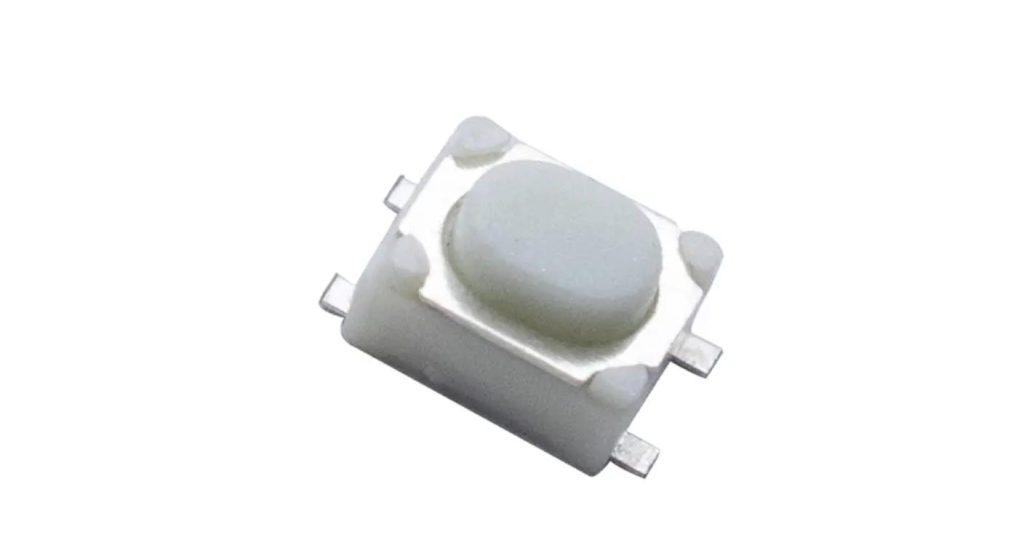
Make sure to determine the Product Name Before you compare suppliers.
It is not uncommon to informally use the word “miniature” in front of the word “micro switch” to describe size, but does not set operating mechanism. A buyer can be a momentary tactile button, or lever actuated position switch. There are different drawings and validation that are needed for those requests.
Hanxia has a four pin SMD tactile switch for small electronics and has a separate micro switch section. Before asking for prices, determine the family, the type of actuators and the contact diagram. Make sure to include the original query in the question, but also always include a clear engineering description.
For replacement of an existing part, include manufacturer's part reference and drawing. Photographs can be helpful for recognition, particularly when measurable requirements are not present, but should be used in addition to and not in place of the measurable requirements.
Make a Map of Connections before Designing Footprint
Four visible terminals don't necessarily mean four contacts. In many common tactile switches, there are 2 sets of terminals that are internally connected and when the actuator is pushed, the 2 sets of terminals are connected. It is important to note that this is not a common pattern and that other constructions might allocate terminals in a different way.
Ask for the connection diagram with the viewing direction indicated. An incorrect schematic symbol or layout can be generated by a bottom view represented as a top view. Always record the terminal numbers in the same manner on the supplier drawing, in the CAD library and on the inspection instructions.
Using an unpowered free sample, take measurements of continuity between the terminal combinations when the sample is released and pressed. Make sure to compare the observed behavior with the diagram before installing it. The approved model drawing is the reference of Hanxia's actual part, and Hanxia's PCB switch installation guide is talking about paired connections.
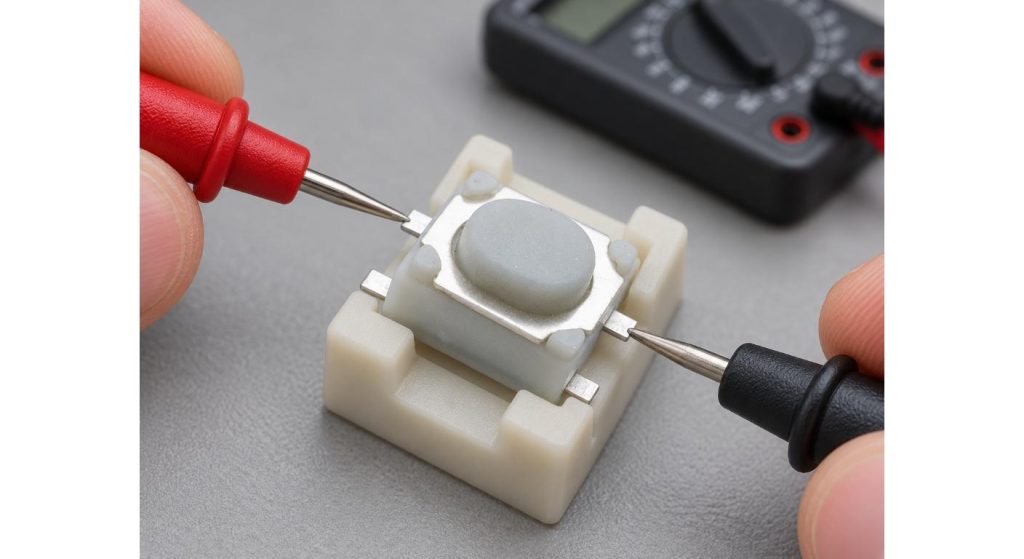
Differentiate between Circuit and Physics Compatibility
After the contact layout has been grasped, "discover" what lies within the switching path. Various conditions are represented by an inductive load, a battery supply and a logic input. The miniature package doesn't disclose the allowed current or whether or not its contacts are suitable.
Compare voltage, switching current, load characteristics and voltage and current resistance limits. If it is a low current signal, inquire if the design of the contact will meet the conditions of use. Maximum rating does not necessarily define low level contact performance.
How the controller determines a press and release. Mechanical contacts may bounce, check with the switch used, the input conditioning or firmware response. Do not choose a constant debounce period – watch the signal and verify proper functioning inside the product response specifications.
Verify the Footprint (as Complete Geometry)
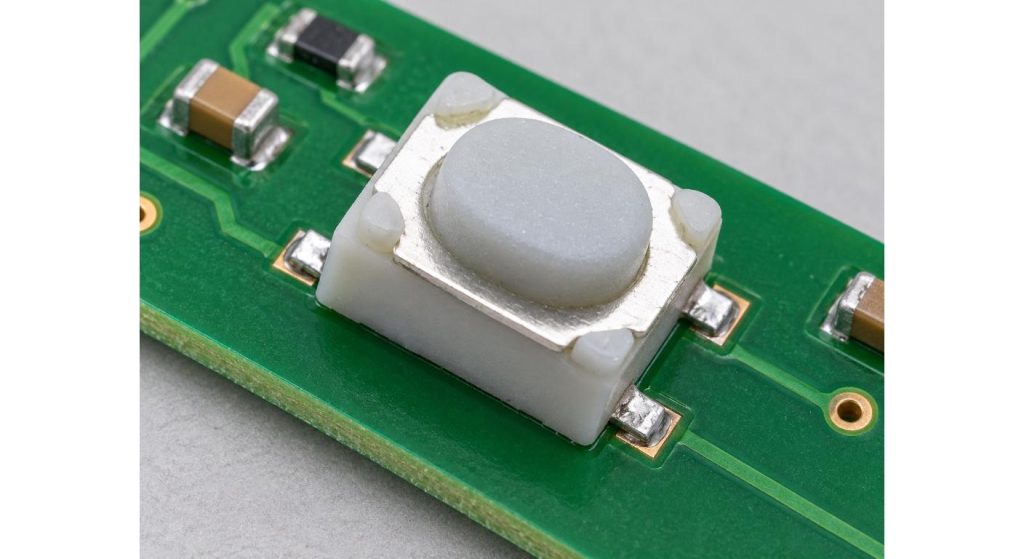
Copying the outline of the body isn't enough. Make comparisons with terminal pitch, lead width, pad geometry, body height, actuator position and clearance required around the housing. Check for nominal dimensions, limits or recommended dimensions on a PCB.
If you already have a board, over lay the candidate drawing on the released footprint. Check solder mask openings and components around and the copper pads. A lead that barely makes a pad may seem just fine when assembled by hand, but isn't appropriate for an automated production process.
Look at the button alignment outside with the enclosure in place. Four soldered terminals cannot make up for a side pushed and/or partially depressed actuator. The assembly should move the desired operating force across the switch or PCB without applying any additional, unwanted load on the switch or PCB.
Get to the root cause of the failure the replacement needs to address.
The replacement project should be started with evidence from the original problem. Are the reasons for the fault affected by a faulty electrical input, sticking button, cracked joint, or assembly damage? Although the changing of the switch may seem to correct an early sample, different corrective actions may be necessary for these symptoms.
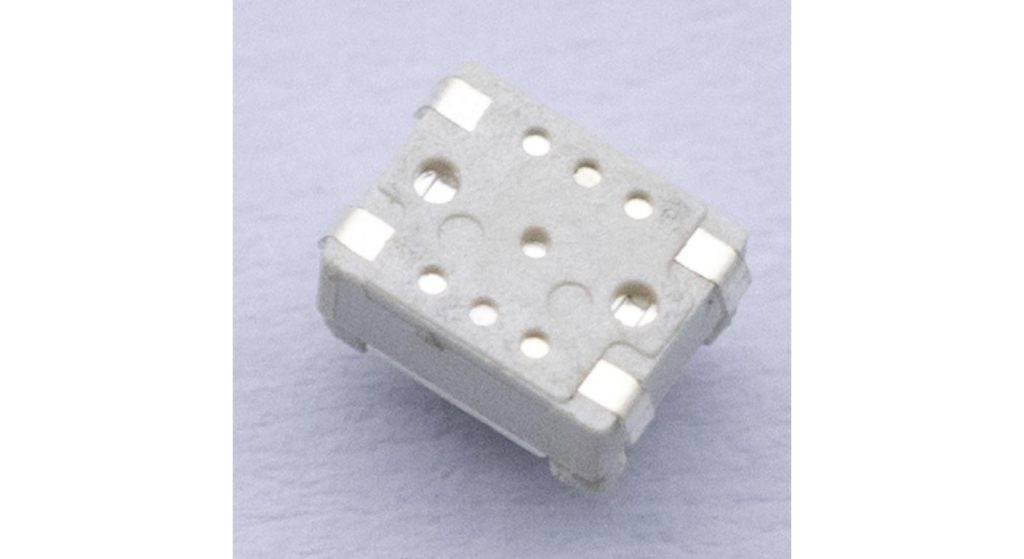
When a component fails to assemble, check the assembly before extracting the component. Compare and contrast the fault with loose part behavior and operation outside of the enclosure. This will help to differentiate between a contact problem, alignment, contamination, soldering or circuit interpretation.
Then establish and define a specific comparison between the parts in question. Use a constant board, enclosure, test method and operating conditions. Any replacement should exhibit an improvement over the failure observed and still satisfy the rest of the product requirements. Just a click that is noticeably stronger is not evidence enough.
| Observed Symptom | Evidence to Capture | Condition to Record |
| Input remains active | Continuity readings and input voltage | Button released |
| Press is not detected | Contact measurement and controller input trace | Button fully pressed |
| One press creates multiple events | Raw input waveform and event log | Normal pressing speed |
| Fault appears after soldering | Joint images and assembly process record | Before enclosure installation |
| Fault appears after enclosure closure | Button clearance and release behavior | Enclosure fully fastened |
Verify Part After the Real Assembly Process
Test samples following the soldering operation of choice and compare to the manufacturer's tolerances for that type of construction. Check if cleaning is allowed, and which cleaning methods can be used. Don't presume a metal cover indicates a switch that is sealed against flux or cleaning fluid.
Check for seating of components and solder joints and repeat continuity and functioning tests. Operating behavior is measured with completed enclosure. Use slow presses, repeat presses and release detection as appropriate to realistic use.
Conduct durability testing under controlled conditions (electrical load, method of actuation etc.). Mechanical and electrical endurance are related to different tests. Set acceptance tolerances before testing and record intermittent behavior as well as whether or not the last sample still clicks. The results of the pilot assembly should be used as feedback in the decision of approval.
Label tested samples according to supplier lot and assembly run. This can be of great value for later comparisons, when a problem occurs only after a certain production stage.
Request the Manufacturer to fill the evidence gaps
A good supplier answer consists of the part that is proposed, plus the answers to the unanswered questions. Request a "controlled drawing" (C-Drawing), applicable contact diagram, applicable assembly information and relevant test information. Clear up any discrepancy between the web description and specification prior to part release.
Provide the original reference, measured terminal behavior, PCB footprint, electrical conditions and failure background to Hanxia when contacting. Specify required quantities, packaging requirements, etc. to have technical suitability and procurement conditions discussed in conjunction.
The best result is an approved supplier replacement record which links the supplier part number to the design revision and test results. Maintain any other restrictions in view. Having that record provides an ordering reference for purchasing, and offers a realistic basis for engineering to evaluate future changes.
Conclusion
The first step towards selecting a 4 pin miniature micro switch manufacturer is to determine the mechanism and verify the terminal configuration. Ensure circuits are suitable, geometry is correct and assembled performance is as expected prior to approval of supply. This sequence goes beyond just the issue of whether it's four terminals fit on the board, and concerns why a replacement succeeds.
FAQs
Q1. Is there 4 independent contacts per 4 pin switch?
Not necessarily. A large number of tactile buttons rely on “matched” terminals within each button. Check continuity of the sample and connection diagram of the selected model.
Q2. What is the difference between tactile switch and micro switch?
Don't use the terms as synonyms. Determine the mechanism, action and contact arrangement in the inquiry.
Q3. Is it possible to make a footprint match and be compatible for replacement?
No. Verify electrical characteristics, ratings, geometry of actuators, assembly requirements and performance within the completed enclosure as well.
Q4. Why is it that a switch will click but it doesn't register an input?
It could be due to wrong wiring, faulty connections, or contact issues or input processing. Always diagnose the assembled circuit before assuming it is the switch that is the problem.
Q5. Should there be a replacement request, what accompaniment should be given?
Provide the original reference, drawings, circuit conditions and observed failure. Add enclosure restrictions and desired assembly.
